
Nodi for Mac and Windows.
Nodi Workspace keeps the story of every project on your computer, across the agents you build with, so the next session starts where the last one stopped.
Invite-only beta. Nodi installs on a supported Mac or Windows PC and opens for an account with an invite code. Join the waitlist
There is no build to download right now. If you were invited, ask the person who sent your invite.
Three steps, once.
After the first open, Nodi starts like any other app.
On a Mac
-
Drag Nodi to Applications.
Open the disk image you downloaded and drag Nodi Workspace into the Applications folder.
-
Clear the first-open warning.
This early build is not notarized by Apple yet, so macOS says it “is damaged and can’t be opened”. The app is fine. Run this once in Terminal, then open Nodi from Applications.
xattr -dr com.apple.quarantine "/Applications/Nodi Workspace.app" -
Sign in and enter your invite code.
If you received an invite link, open it and press Open in Nodi. The code is filled in for you.
On Windows
-
Run the installer.
Open Nodi-for-Windows.exe. It installs Nodi Workspace for your account, without an administrator password.
-
Get past the SmartScreen warning.
This early build is not signed yet, so Windows may say it “protected your PC”. Choose More info, then Run anyway. The installer is fine.
-
Sign in and enter your invite code.
The Windows build has no floating widget and no NODI device connection yet, and an invite link cannot open it directly: type the code in when Nodi asks.
Invite-only, for now.
Nodi opens only for accounts with an invite code while it is an early build. No code yet?
Join the waitlist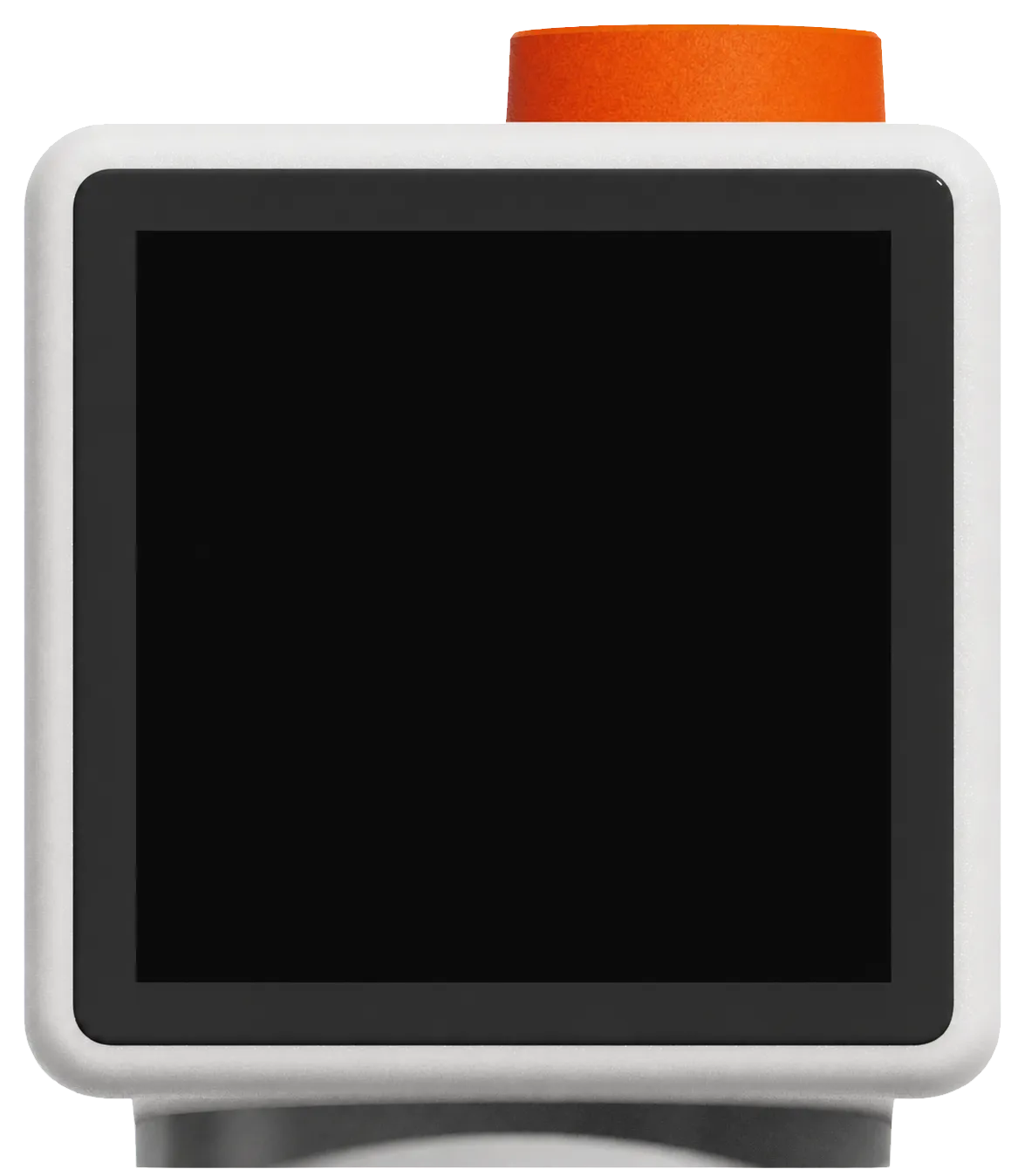
The app first. NODI on the desk next.
Nodi Workspace works on its own today. NODI, the physical presence beside your screen, is still in development.
- Reads
- Claude Code and Codex sessions on this computer.
- Keeps
- Each project’s memory, stored on your computer.
- Shows
- What the project became, and what comes next.
Questions
Why does macOS say Nodi is damaged?
This early build is not notarized by Apple yet, and macOS uses the word “damaged” for any unnotarized app that arrives from the internet. The command in step 2 removes the download flag, and macOS opens Nodi normally from then on. A notarized build will make that step unnecessary.
Why does Windows warn about the installer?
This early build is not code-signed yet, and SmartScreen warns about any unsigned installer it has not seen often. Choose More info, then Run anyway. A signed build will make the warning go away.
Do I need an invite code?
Yes, for now. Nodi installs without one, but after you sign in it asks for a code before it opens. An invite link fills the code in for you.
How do I check the download?
Compare its SHA-256 with the one published here.
On a Mac, in Terminal:
shasum -a 256 ~/Downloads/Nodi-for-Mac.dmg
It should print c48faf65dfead53f3fda5a4429f6fd8140067d4233514d9fe1acb3774434ec77
On Windows, in PowerShell:
Get-FileHash $HOME\Downloads\Nodi-for-Windows.exe
Its Hash column should read 84CCA978F9653B98AB06CD62C111411ACB2FEDCB67E1CC9A6AA462F2D2B34677
Where does my project memory live?
On your computer. Nodi reads your agent sessions locally and keeps its memory in a folder in your home directory. Settings › Privacy in the app lists what it reads and anything that leaves the machine.
Is there a Windows version?
Yes, for Windows 10 and 11 on 64-bit PCs. It is the same app and the same memory, but the Windows build does not have the floating widget or the NODI device connection yet, and invite links cannot open it directly.
Where do new builds appear?
On this page. On a Mac, download the newer disk image and replace the app in Applications; on Windows, run the newer installer over the old one. Your memory stays where it is.